Sales Managers: 25+ Reps? Use Bonus Commission Tracking for Compliance

The most reliable approach to bonus commission tracking is a dedicated automated system, or a tightly structured hybrid model for smaller teams still on spreadsheets. Both work because they enforce the classification rules the IRS and Department of Labor already require, and both create the audit trail that stops payout disputes before they start. Specialized commission tracking platforms show what that looks like in practice: fewer manual touches, faster resolution, and a paper trail that survives an audit.
TL;DR:
- Automated or hybrid bonus tracking systems are essential for ensuring IRS and Department of Labor compliance, providing accurate audit trails and reducing payout disputes.
- Discretionary bonuses are paid without prior promise and are excluded from overtime calculations, while nondiscretionary bonuses are promised in advance and must be included in regular pay calculations.
- Smaller teams under five can manage with manual tracking, but teams with more than 25 reps or complex plans should adopt specialized software to reduce errors and compliance risks.
- Tracking plans with tiered commissions, milestone payments, SPIFs, and true-ups requires systems capable of handling retroactive adjustments, timely accruals, and detailed documentation.
- Clear communication through real-time visibility of bonus calculations and formal dispute channels greatly reduces questions and resolves issues faster.
Table of Contents
- What Are Bonus Commissions, and How Do They Differ From Base Commissions?
- Manual, Spreadsheet, or Software: How Should You Track Bonus Commissions?
- Common Commission and Bonus Plan Types and What They Demand From Your Tracking Setup
- Why Do Commission and Bonus Errors Keep Happening?
- What KPIs Show Whether Your Bonus Tracking Process Is Working?
- How Do IRS and DOL Rules Affect Bonus Commission Tracking?
- How Do You Choose the Right Bonus Commission Tracking Approach?
- How Does BrokerPay Handle Compliance-First Commission and Bonus Payments?
- What Data Security and Privacy Steps Belong in Bonus Commission Tracking?
- How Should You Communicate Bonus Calculations to Your Team?
- Author Perspective: Prioritize Transparency and Auditability
- BrokerPay: Compliance-First Commission Payments for Brokerages
- Primary Sources Behind This Guidance
- Sources
- FAQ
What Are Bonus Commissions, and How Do They Differ From Base Commissions?
A bonus commission is any incentive payment layered on top of a rep’s standard commission structure, tied to hitting a specific target rather than to the base sale itself. That includes SPIFs (sales performance incentive funds), quota bonuses paid for clearing a monthly or quarterly number, and milestone bonuses tied to things like onboarding a client or closing a multi-year contract.
The distinction that actually matters for tracking is legal, not semantic: discretionary versus nondiscretionary. A discretionary bonus is one the employer decides on unilaterally, with no promise made in advance, like a surprise holiday bonus. A nondiscretionary bonus is promised ahead of time and tied to measurable performance, which is exactly what most SPIFs and quota bonuses are.
That classification changes how payroll has to treat the money. The Department of Labor’s guidance on overtime and bonuses states that nondiscretionary bonuses generally must be folded into the regular rate of pay for overtime calculations, while discretionary bonuses are excluded. Get that tag wrong and you have a wage-hour problem, not just a math error.
A tracking system needs to encode this from day one:
- Tag every bonus type as discretionary or nondiscretionary at creation, not after the fact.
- Record the plan document and effective date tied to each bonus payout.
- Flag any nondiscretionary bonus for inclusion in regular-rate overtime math before it reaches payroll.
- Keep SPIFs and milestone bonuses in separate ledger categories from base commission, since they often have different accrual timing.
Manual, Spreadsheet, or Software: How Should You Track Bonus Commissions?
Every brokerage and sales org tracks commissions somewhere on this spectrum, and the right spot depends less on preference than on team size and plan complexity.
Manual tracking (calculators, paper forms, or ad hoc notes) is acceptable only for very small teams, usually under five reps, with a single flat commission rate and no bonus tiers. The moment you add a SPIF or a quota accelerator, manual tracking breaks down. There’s no audit trail, no version history, and every calculation depends on one person remembering the rule correctly.
Spreadsheets are the most common middle ground, and they can work reasonably well up to a point. A solid spreadsheet setup uses a locked master template with data validation on entry fields, protected formula cells so reps can’t accidentally overwrite a calculation, and a separate change log tab that records who edited what and when. The failure mode specific to bonuses is retroactive tier changes: if a rep crosses a quota threshold mid-period, most spreadsheet formulas don’t automatically recalculate prior periods, which means someone has to manually catch and fix it. That’s exactly where errors creep in.

Specialized commission tracking software pulls deal data directly from the CRM, calculates bonuses in real time against the live plan rules, and routes anything unusual through an approval workflow before it hits payroll. This is where deal-level accruals and true-ups happen automatically, which matters for ASC 340-40 capitalization and month-end close. It’s also where the audit trail lives natively instead of being reconstructed after the fact.
Here’s a simple way to decide where you stand:
- Under 5 reps, one flat rate, no bonuses: manual tracking is fine, but review it quarterly.
- 5 to 25 reps, or any tiered/SPIF structure: move to a well-built spreadsheet with locked formulas and a change log, but plan your exit.
- 25+ reps, multiple plan types, or any compliance exposure: specialized software isn’t optional anymore. The error rate and dispute volume at this scale overwhelm manual review.
- Any team running co-op commissions or referral splits across multiple parties: software with brokerage-controlled payment routing, since these payments carry regulatory risk that spreadsheets can’t manage.
Pro Tip: If you’re not sure which bucket you’re in, count how many hours your ops or finance person spends reconciling commissions each pay cycle. Anything over four hours per cycle is a strong signal you’ve outgrown your current method, regardless of headcount.
Common Commission and Bonus Plan Types and What They Demand From Your Tracking Setup
Different bonus structures create different tracking headaches, and knowing which one you’re dealing with tells you what your system actually needs to do.
- Tiered commissions and accelerators: pay a higher rate once a rep crosses a revenue threshold. Tracking needs to handle retroactive tier bumps, where hitting the top tier mid-month raises the rate on deals already closed that period.
- Flat bonus and milestone payouts: fixed amounts tied to specific events, like a signed multi-year renewal. These need clear accrual timing so finance books the expense in the period it was earned, not just when it’s paid.
- Quota-based bonuses and SPIFs: short-term incentives, often running 30 to 90 days, designed to push a specific behavior. These are the single biggest source of reconciliation chaos because they layer on top of standing commission plans and expire fast.
- Clawbacks and true-ups: adjustments that reverse a bonus when a deal falls through (a customer cancels within a chargeback window, for instance) or reconcile an estimate against actuals. These change period accounting after the fact, which is exactly the kind of adjustment that needs a documented reason code, not a quiet spreadsheet edit.
Each of these interacts with the others. A rep hitting an accelerator tier while also qualifying for a SPIF and facing a clawback on an unrelated deal, in the same pay period, is a normal Tuesday for a mid-size sales floor. Tracking that by hand invites errors.
Why Do Commission and Bonus Errors Keep Happening?
Most tracking failures trace back to four recurring problems, and each one has a fix that doesn’t require ripping out your entire process.
Data silos and CRM mapping errors happen when deal data lives in the CRM but commission math happens somewhere else, with manual re-entry in between. The fix is direct integration between CRM and payout calculation, with validation rules that flag mismatches (a deal marked closed-won with no assigned rep, for example) before they reach payroll.
Undocumented plan edits occur when a manager verbally tells a rep about a rate change that never makes it into the official plan document. The fix is versioned plan documents with effective dates, so every calculation references the exact rule set that applied on that date.
Shadow accounting by reps, where salespeople keep their own spreadsheet because they don’t trust the official numbers, is a trust problem disguised as a tracking problem. The fix is giving reps a transparent, real-time statement they can check themselves, plus a formal channel to flag disputes.
Payroll handoff mismatches happen when the commission system exports one format and payroll expects another, forcing manual reformatting that introduces errors. The fix is aligning export formats ahead of time and running a pre-payout reconciliation check every cycle.
Pro Tip: Ask every rep once a quarter whether they keep their own tracking spreadsheet. If more than a handful say yes, that’s not a rep problem, it’s a signal your official numbers aren’t trusted.
What KPIs Show Whether Your Bonus Tracking Process Is Working?
Four numbers tell you almost everything about the health of your commission and bonus process.
- Time to payout: the days between period close and money hitting a rep’s account. Anything under 30 days is healthy; longer than that and reps start losing confidence in the numbers.
- Commission error rate: the share of payouts that need correction after the fact. A reasonable target is under 1%. Spreadsheet-based processes commonly run 3% to 8% error rates, while automated systems that pull directly from CRM data typically bring that down to a fraction of a percent.
- Dispute rate and resolution time: how often reps flag a payout as wrong, and how long it takes to resolve. Formal dispute workflows, where a rep flags a specific line item and ops documents the response, tend to cut dispute rates by roughly 40% and shrink resolution time from days to hours.
- Commission expense ratio and accrual accuracy: whether finance’s booked commission expense matches actual payouts period over period, which matters directly for accrual accounting under ASC 340-40.
It’s a structural signal that spreadsheets have hit their ceiling for your deal volume.
How Do IRS and DOL Rules Affect Bonus Commission Tracking?
Two federal frameworks govern almost every bonus payout decision, and your tracking system needs to reflect both, not just one.
On the tax side, the IRS treats bonuses and commissions as supplemental wages, subject to a flat 22% withholding rate. That rate jumps to 37% once an employee’s supplemental wages for the calendar year exceed $1 million. This affects timing decisions: batching multiple bonus payments into one large payout instead of spreading them out can push an employee over that threshold and change their withholding rate.
On the wage-hour side, the Department of Labor draws a hard line between discretionary and nondiscretionary bonuses. Nondiscretionary bonuses, meaning anything promised in advance and tied to a measurable target, generally must be included in the regular rate of pay for overtime calculations covering nonexempt employees.
Failing to correctly classify a bonus as discretionary or nondiscretionary is one of the most common wage-hour exposures for employers running incentive programs, and it’s entirely avoidable with the right tagging at the point the bonus is created rather than after payroll has already run.
Your tracking system should encode this compliance logic operationally, not leave it to memory:
- Attach a discretionary/nondiscretionary flag to every bonus type at plan creation.
- Store a reason code and supporting documentation for any manual adjustment or clawback.
- Log every plan version with an effective date, so an auditor can see exactly which rules applied to any given payout.
- Route any bonus over a defined threshold through a manager approval step before it processes.
How Do You Choose the Right Bonus Commission Tracking Approach?
Picking the right system comes down to matching your team’s size and plan complexity against a short checklist of must-have features, then asking vendors specific questions instead of taking a sales deck at face value.
The core checklist for any tool handling bonuses:
- Integrations: does it connect directly to your CRM, ERP, and HCM/payroll system, or does someone still export and re-upload files by hand?
- Audit trail: does it log plan versions, manual adjustments with reason codes, and approvals in a way an auditor could follow without asking questions?
- Approval workflows and segregation of duties: can one person both calculate and approve a payout, or does the system enforce a second set of eyes?
- Deal-level accruals: does it calculate accruals at the individual deal level for accurate month-end close, or only at an aggregate level that finance has to unpack manually?
- Payroll export formats: does the output match what your payroll provider actually needs, or will someone be reformatting a CSV every cycle?
- Role-based access control: can reps see only their own numbers while managers and finance see the full picture?
Sizing rule of thumb: under 25 reps with simple plans, a disciplined spreadsheet can hold for now. Past that, or with any tiered, SPIF, or co-op structure in the mix, software earns its cost quickly in hours saved and disputes avoided.
Pro Tip: When evaluating a vendor, ask them to walk through exactly how their system handles a mid-period tier change with a retroactive rate bump. If they can’t answer specifically, that’s a gap you’ll discover the hard way during your first busy quarter.
How Does BrokerPay Handle Compliance-First Commission and Bonus Payments?
Real estate brokerages face a version of this problem with extra regulatory weight attached, since agent splits, referral fees, and co-op commissions all carry RESPA compliance exposure that most sales orgs never have to think about.
BrokerPay documents every split, referral fee, and co-op commission with a full audit trail, routing payments through brokerage-controlled accounts instead of leaving agents to settle up over Venmo or Zelle. That distinction matters more than it sounds: peer-to-peer payment apps leave no documentation trail a broker can produce during an audit, and they create direct RESPA liability when referral fees pass between agents outside a controlled system.
What that structure produces in practice:
- Every payout ties back to an approval record and a documented reason for any adjustment.
- Payroll exports and audit samples pull from the same source data, so there’s no reconciliation gap between what finance booked and what actually went out.
- Disputes get resolved against a documented calculation instead of someone’s memory of a verbal agreement.
- Co-op and referral payments route through compliant workflows rather than informal side payments between agents.
What Data Security and Privacy Steps Belong in Bonus Commission Tracking?
Commission data is financial data, and it typically includes Social Security numbers, bank account details for direct deposit, and individual compensation figures that most companies treat as confidential even internally.
Any system handling bonus commission tracking needs role-based access control as a baseline, so a rep can see their own numbers without seeing a colleague’s, and so finance and ops see aggregate data without every manager having blanket access to compensation figures across the org. Encryption in transit and at rest is table stakes for anything storing bank account information for payouts.
The bigger risk most companies underestimate is the export sprawl created by manual processes. Every time commission data gets copied into an ad hoc spreadsheet, emailed as an attachment, or pasted into a Slack message to resolve a dispute, that’s another uncontrolled copy of sensitive compensation data sitting outside any access control. A single centralized system with logged access, instead of a dozen scattered copies, is the practical difference between manageable risk and a genuine exposure if a laptop gets lost or an account gets compromised.
For brokerages specifically, this overlaps with RESPA documentation requirements: the same audit trail that proves compliance also has to be stored securely, since it contains the financial details of every agent and referral partner in the system. A platform that keeps that data inside brokerage-controlled accounts, rather than scattered across personal payment apps, closes both gaps at once.
How Should You Communicate Bonus Calculations to Your Team?
Reps trust a bonus number when they can see exactly how it was calculated, and they stop trusting it the moment the math feels like a black box.
The practical fix is giving every rep a real-time, self-service view of their own commission and bonus standing, not a quarterly PDF summary that shows up after the fact. That view should show which deals count toward which bonus, what tier or threshold they’re tracking against, and what’s still pending approval. When reps can see this themselves, the volume of “why is my number different” questions drops sharply, because the answer is usually visible in the data rather than buried in someone’s private spreadsheet.
Documentation matters just as much as visibility. Every plan change, every rate adjustment, and every clawback needs a written record that a rep can be pointed to when they ask why a number moved. “Because the plan changed in March, and here’s the document” is a very different conversation than “because that’s what the spreadsheet says now.”
The dispute channel itself should be formal and specific: a rep flags an exact line item, not a vague complaint about a number “feeling off.” That specificity is what makes formal dispute processes resolve faster than informal ones, since ops can investigate one deal instead of auditing an entire pay period from scratch.
Author Perspective: Prioritize Transparency and Auditability
Most guides to commission tracking treat compliance as a checkbox. It should lead the decision. A system that gets the IRS and DOL classifications right but hides the math from reps will still generate disputes. The fix isn’t more accuracy alone. It’s calculations reps can see and audit trails your finance team can produce on demand. If you do one thing this week, run the evaluation checklist above against your last payout cycle and see where it breaks.
— Wes
BrokerPay: Compliance-First Commission Payments for Brokerages
Brokerages that have moved past manual reconciliation and spreadsheet patchwork face a specific gap: general commission tools weren’t built for RESPA exposure, co-op splits, or the audit trail a broker needs when a regulator or a lender asks questions. Some platforms were built for exactly that gap.
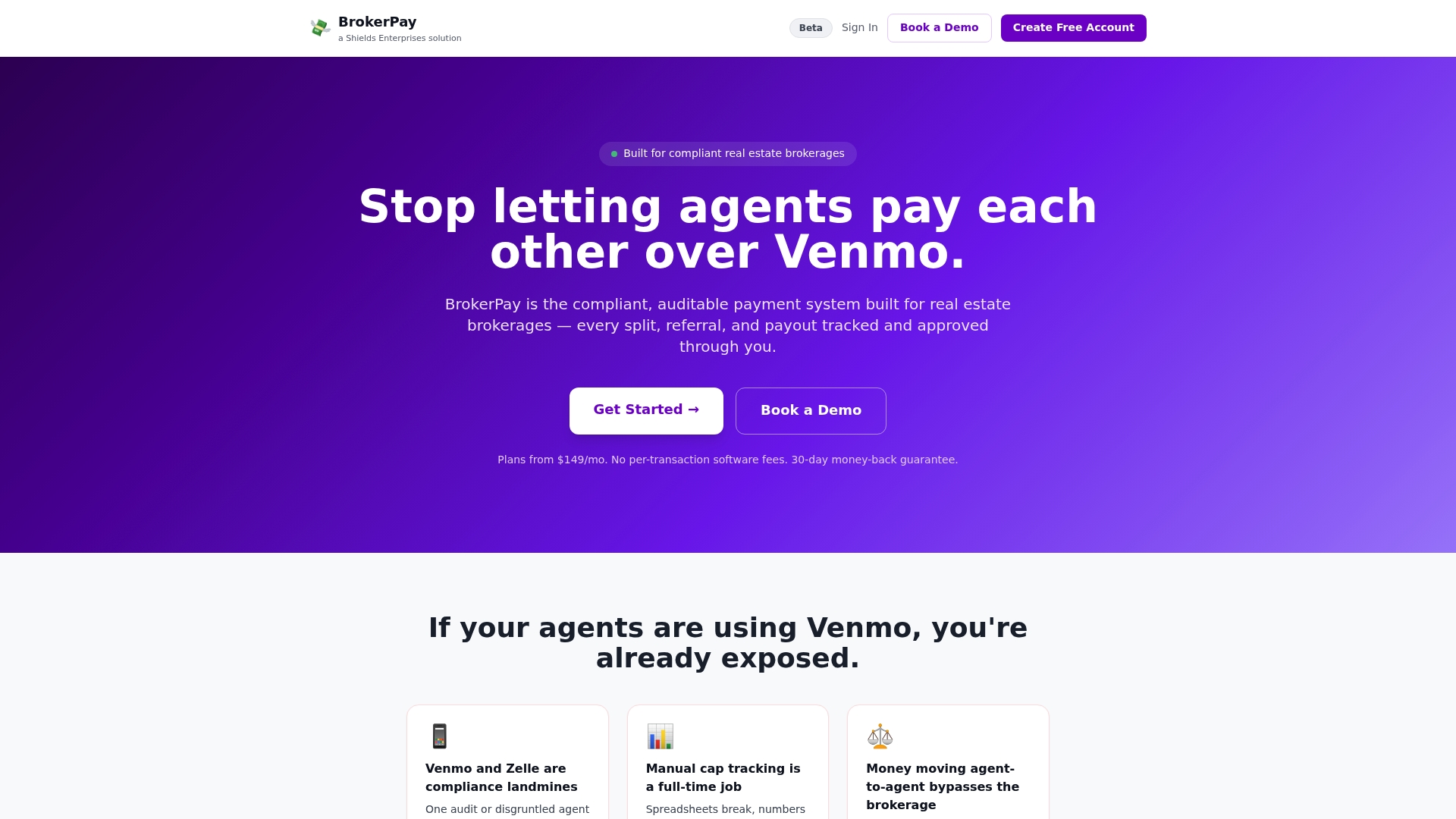
Every split, referral fee, and co-op commission can be documented and routed through brokerage-controlled accounts to close the compliance hole that Venmo and Zelle payments leave wide open. Approval workflows and audit logs mean a payout can be traced back to its source data without anyone reconstructing history from memory or group texts. Plans come in Starter, Growth, and Enterprise tiers, with flat monthly pricing and no per-transaction fees, so cost scales with your office rather than your transaction volume.
If your brokerage is still settling splits informally, take a look at the platform and see what a compliant payout workflow looks like for your team size.
Primary Sources Behind This Guidance
The compliance and error-rate figures in this guide come from federal guidance and industry research on commission processes, not general opinion.
- IRS Publication 15 (Employer’s Tax Guide) on supplemental wage withholding
- U.S. Department of Labor guidance on overtime and bonuses covering FLSA treatment of nondiscretionary bonuses
- Qobra’s research on commission audit trails for SOX and ASC 606 reporting standards
Sources
- IRS Publication 15 (Employer’s Tax Guide)
- U.S. Department of Labor guidance on overtime and bonuses
- Ogletree: What the DOL guidance on nondiscretionary bonuses means for nonexempt employees
- Qobra: Commission software audit trails for SOX & ASC 606 (2026)
FAQ
What Is the Best Way to Track Commissions?
For teams under 25 reps with simple plans, a locked, validated spreadsheet with a change log can work. Past that size, or with any tiered, SPIF, or co-op structure, specialized software that pulls CRM data directly and logs approvals reduces errors and disputes far more reliably.
What Is a Bonus Commission?
A bonus commission is an incentive payment tied to hitting a specific target, like a quota, milestone, or short-term SPIF, layered on top of standard commission. Whether it’s discretionary or nondiscretionary determines how it’s taxed and whether it must be included in overtime pay under DOL rules.
What Is a Commission Tracker?
A commission tracker is a system, spreadsheet, or software platform that calculates, documents, and logs commission and bonus payouts against a defined plan. Platforms like BrokerPay add compliance-specific features, including audit trails and approval workflows, that a plain spreadsheet can’t replicate.
Is 30% Commission a Lot?
Whether 30% is high depends entirely on the industry and deal structure; real estate co-op splits, software sales commissions, and referral fees all use very different baselines. What matters more for tracking purposes is documenting the rate clearly and applying it consistently, since inconsistent application is what triggers disputes and audit exposure, not the rate itself.
How Much Does BrokerPay Cost?
BrokerPay offers Starter, Growth, and Enterprise plans with flat monthly pricing and no per-transaction fees. Current pricing details are available directly on the BrokerPay site.